Overview
When I first started as a developer, CLI (command line interface) was very intimidating. As a young web developer I was all about the GUI(Graphic User Interface) my thought process was why couldn't I use, windows File explorer (Yes I was a Windows User) to crtl c and copy and crtl v paste a new folder and files instead of typing a cmd like mk dir dirname?
I avoided using the CLI for the longest time and learned the hard way that if you limit yourself, you're limiting you're abilities and not taking advantage of tools that could help with your productivity 2 times or 5 times faster.
The Terminal
We'll be using the Terminal throughout the Starter Kit Guide. MacOS comes preinstalled with Terminal.
Terminal its located in /Applications/Utilities/Terminal.app or you can use spotlight and type "cmd + space" type "Terminal"
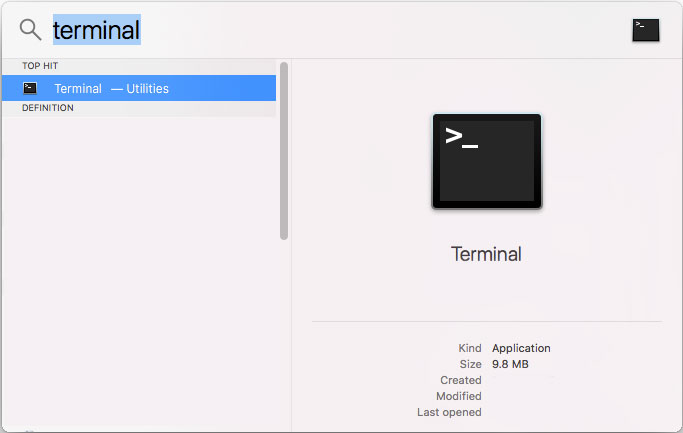
OK! Cool! We got our Terminal Open.
Command Line Developer Tools
We will be installing the command line developer tools first. These tools make it easy to install open source software within Terminal.
Check if you already have the tools installed. Type/Copy the following command in terminal app and hit return:
xcode-select --versionYou should get a version number back if its installed. if not then Type/Copy the following command and hit return to install:
xcode-select --installA dialog box will appear prompting to install the tools. Confirm that you would like to install and it should start downloading and install automatically.
Once the installation is completed you can confirm that the tools are installed again.
xcode-select --versionYou should get a version number now.
Conclusion
Great! we got our Terminal and Command Line Tools Installed. Next up Homebrew
The better you are on the command line, the more efficient you will be as a web developer.